Stencil Maker
Turn any photo into printable stencil art with Toty in one click for portraits and creative projects.
UploadUpload an image
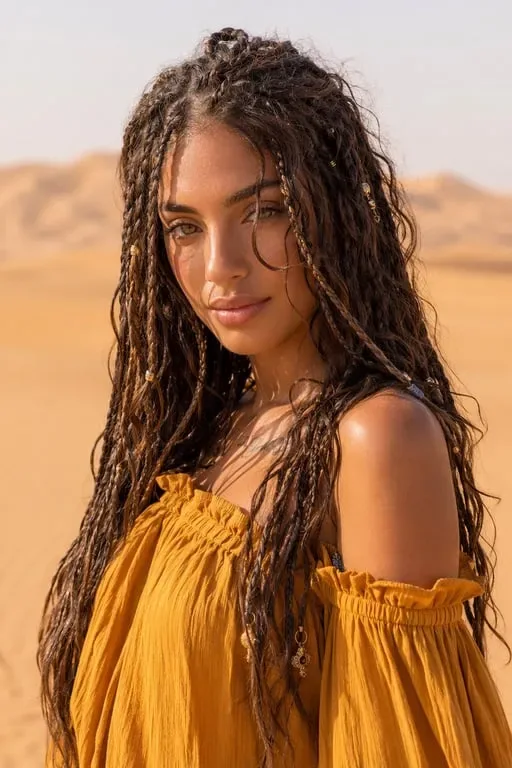
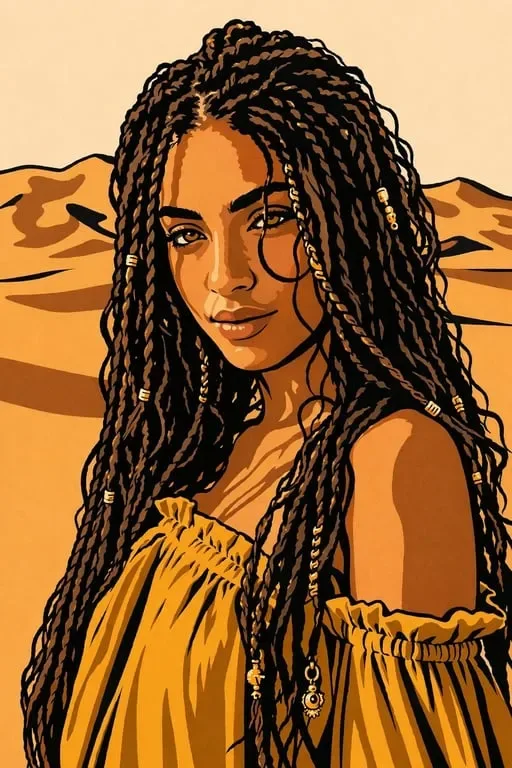
Create faster with examples
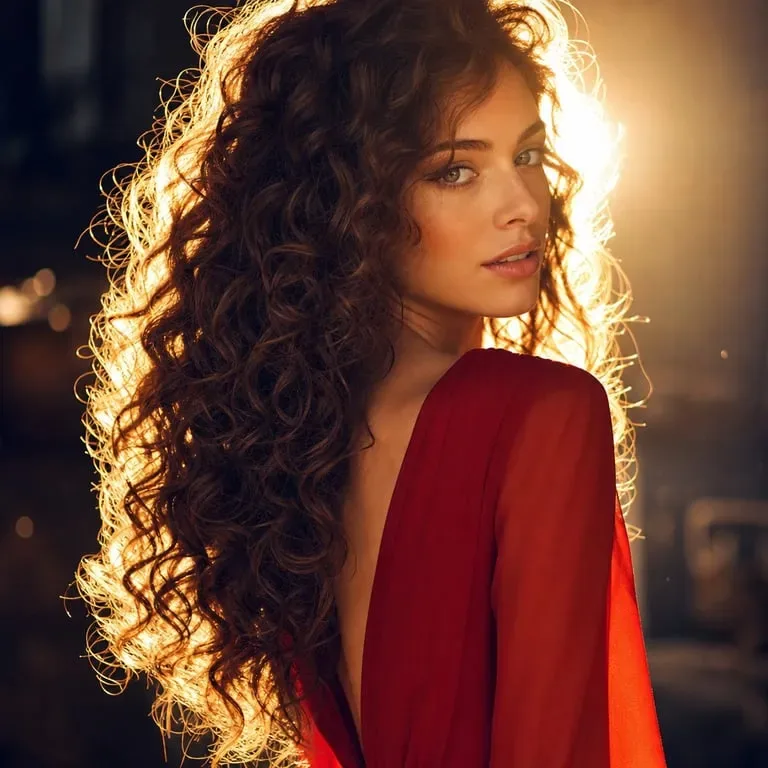
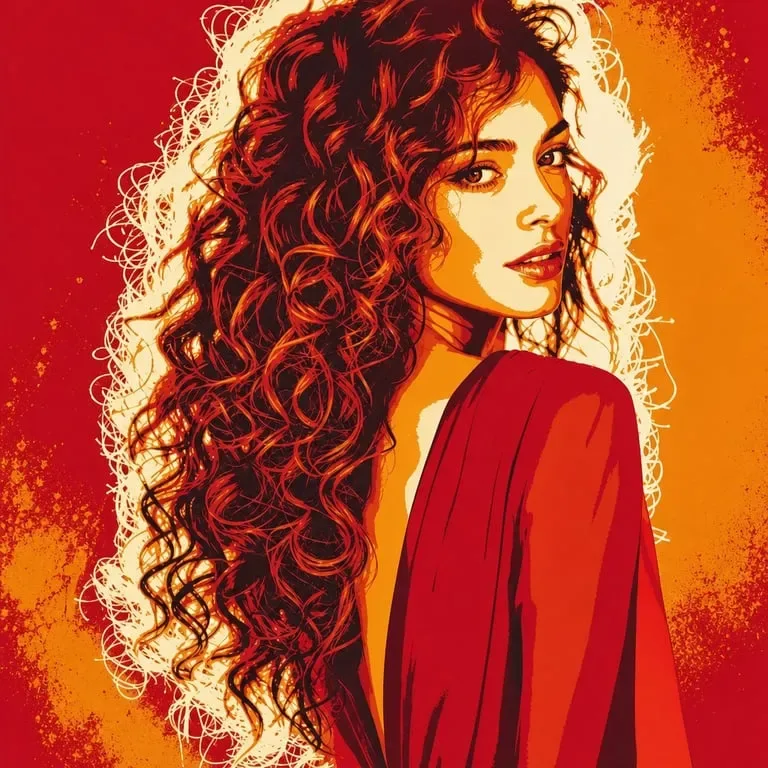
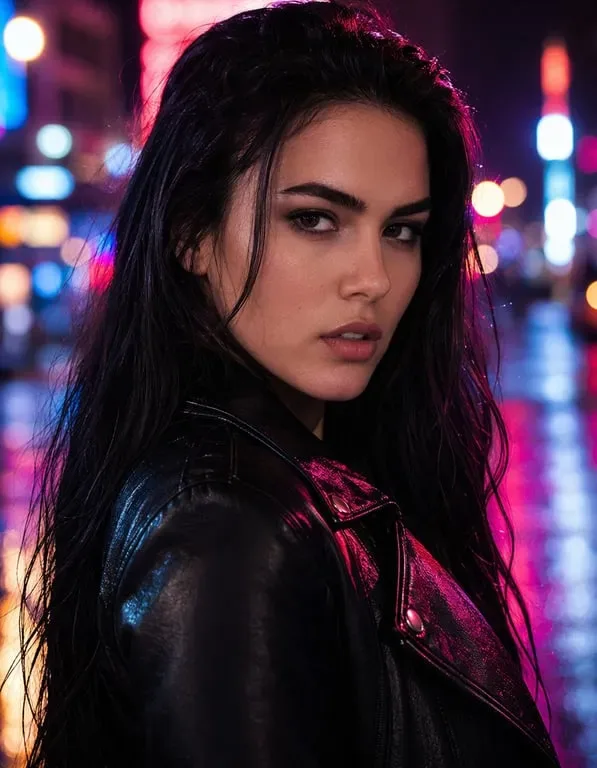
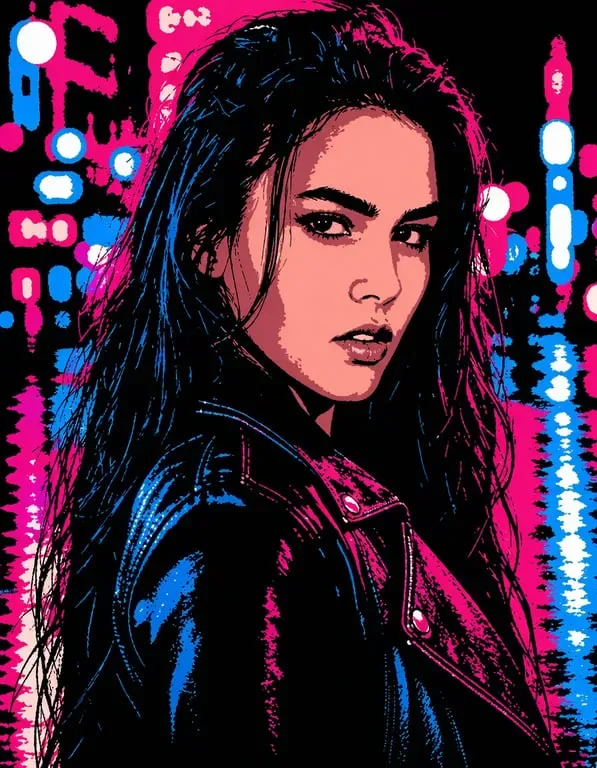
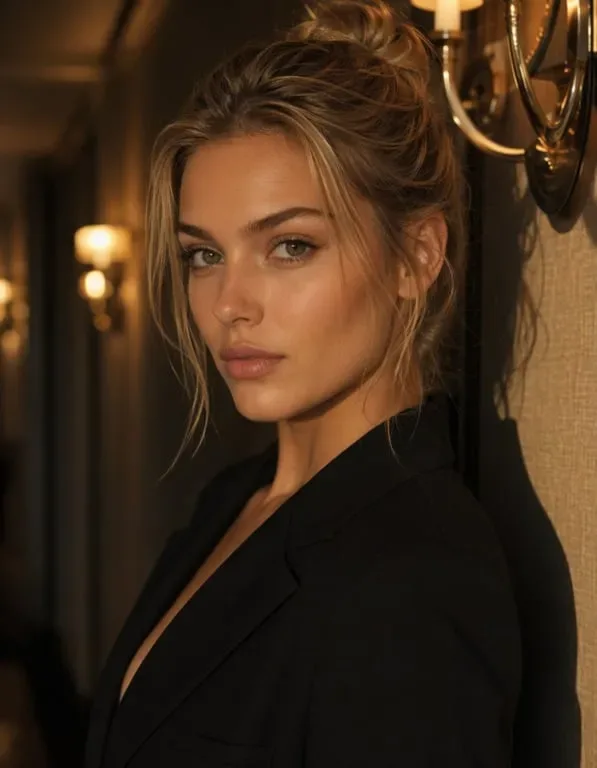
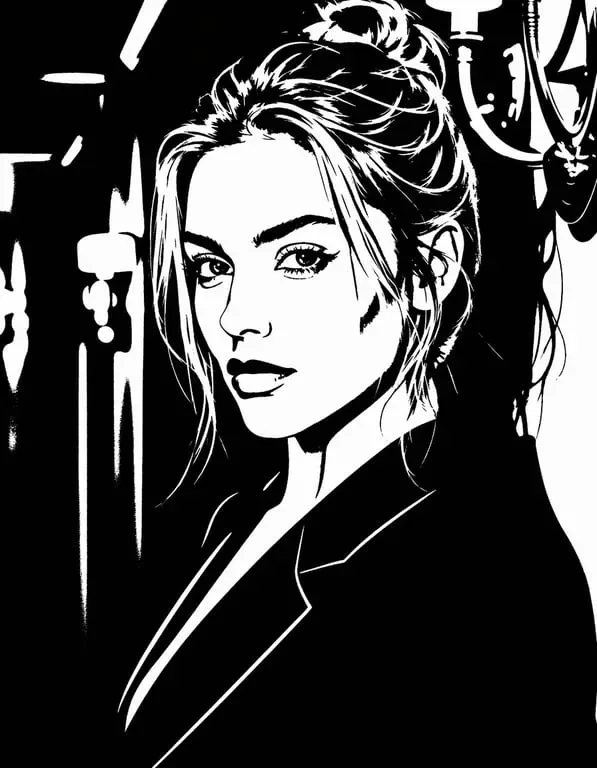
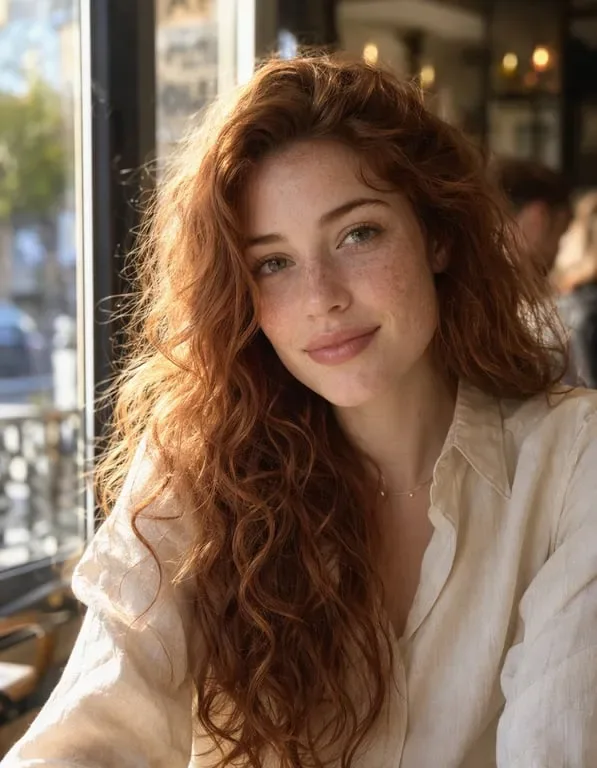
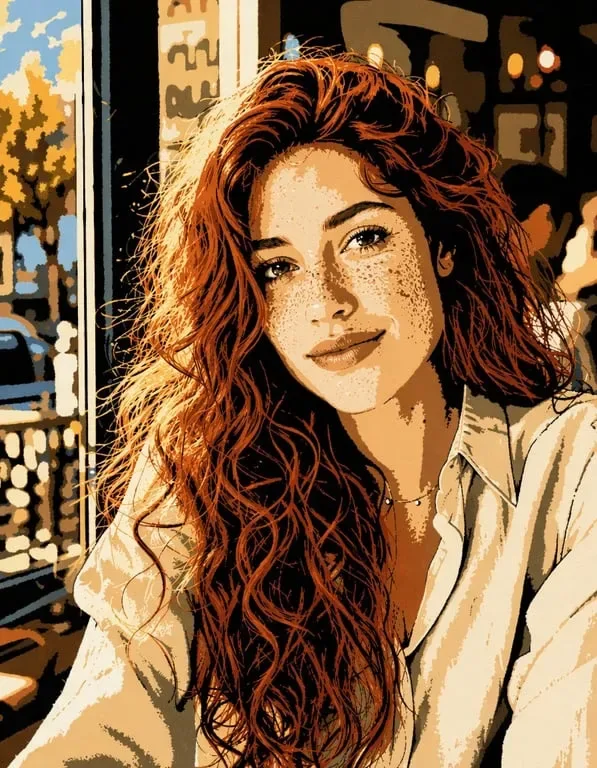
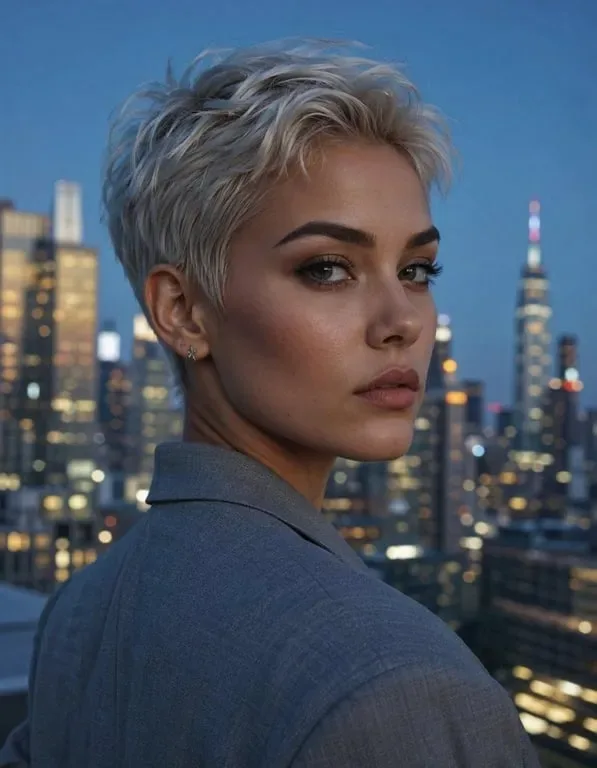
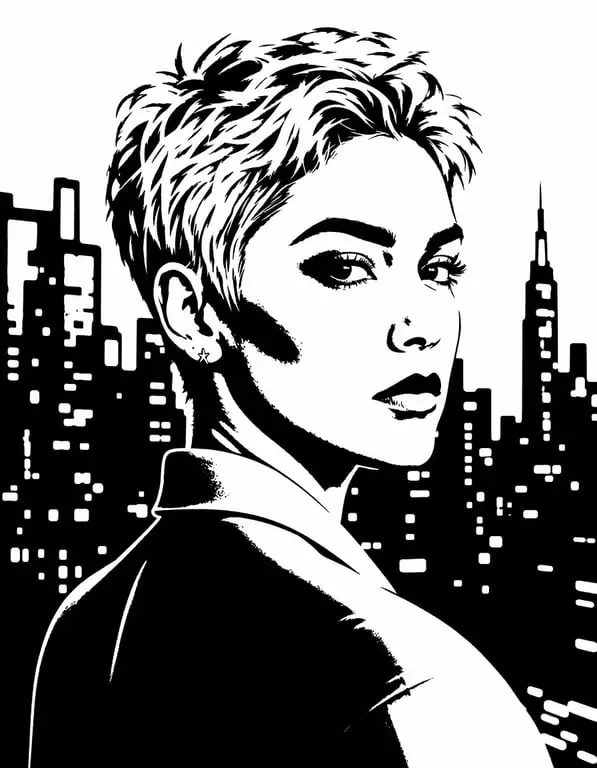
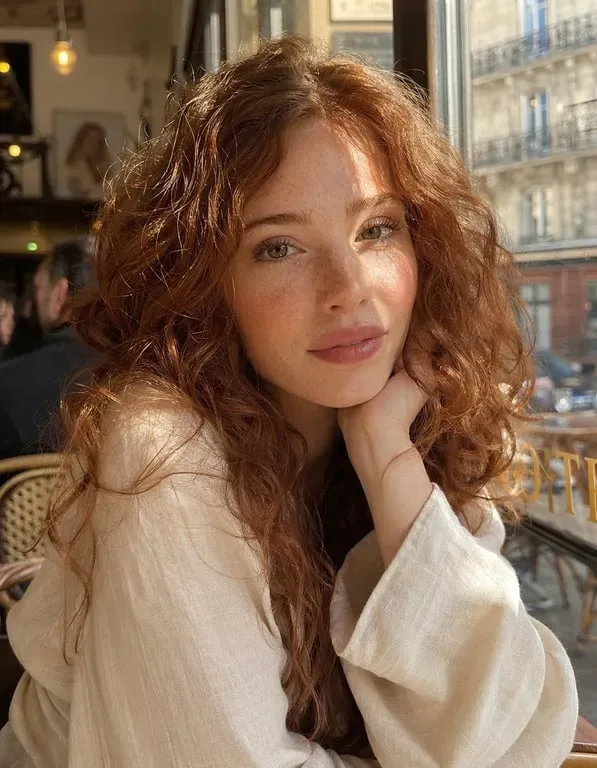
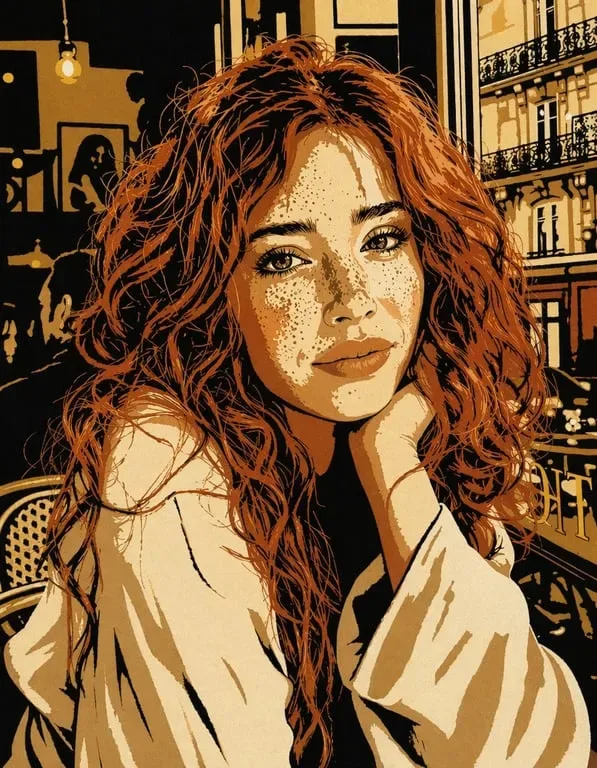

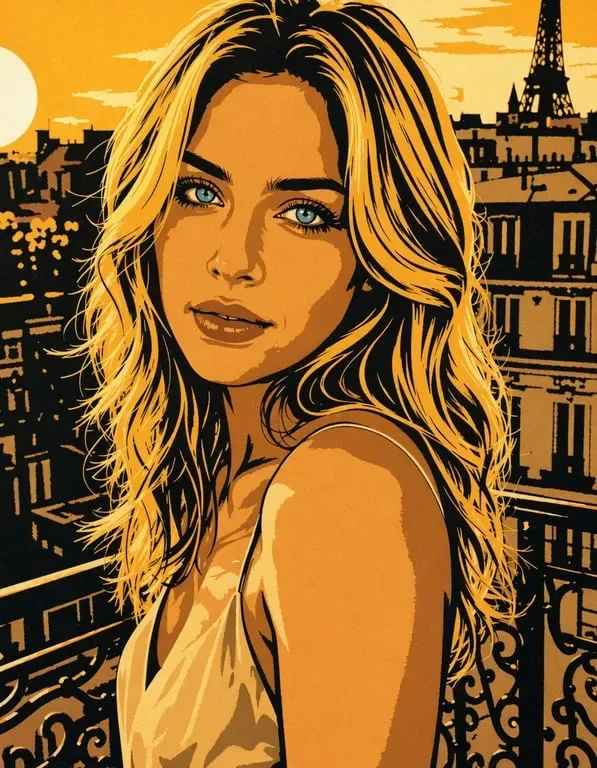

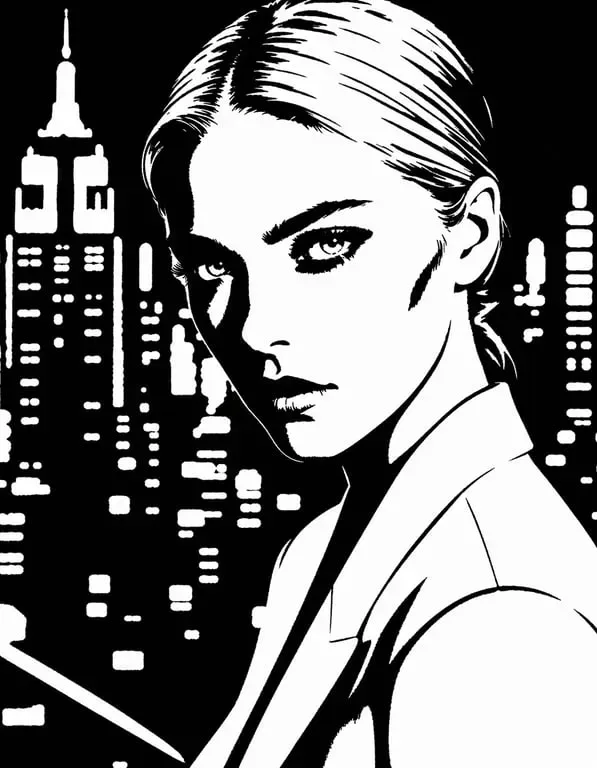

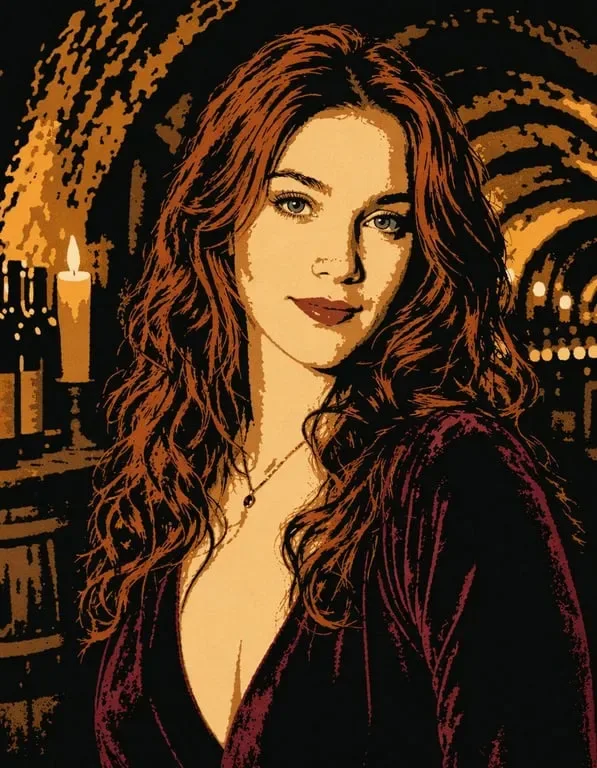
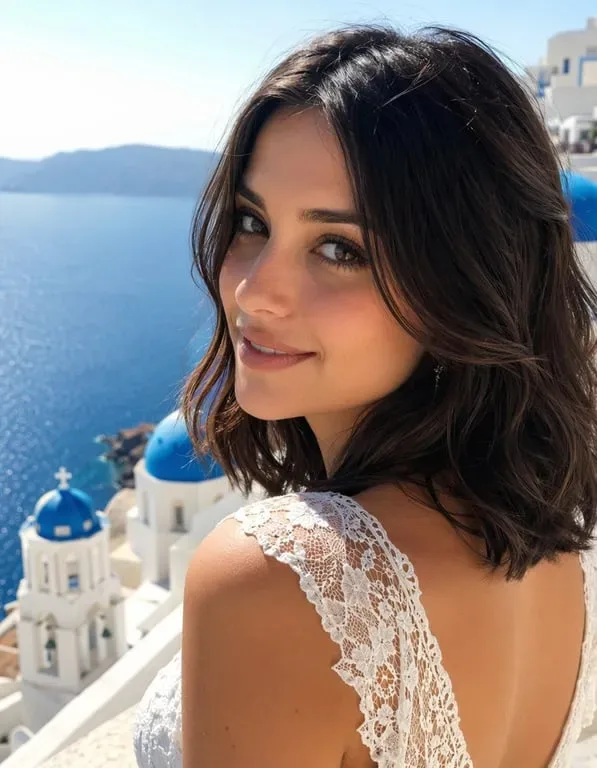
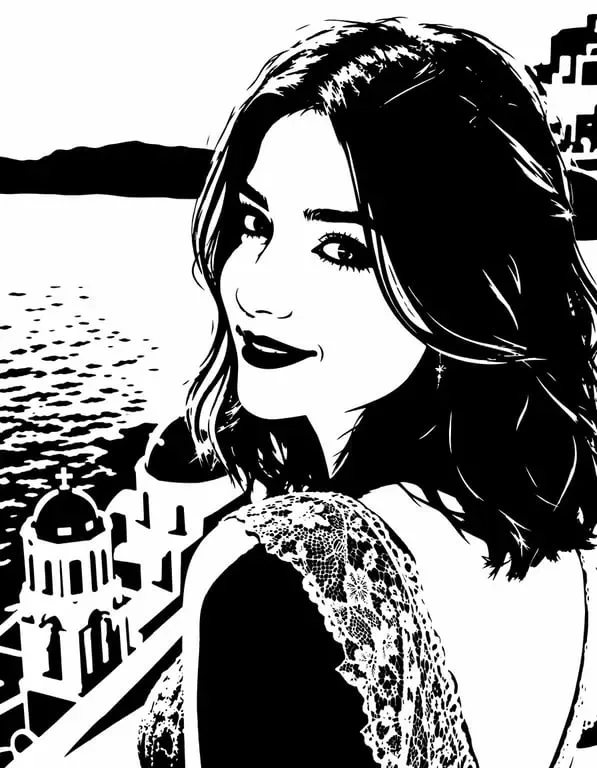
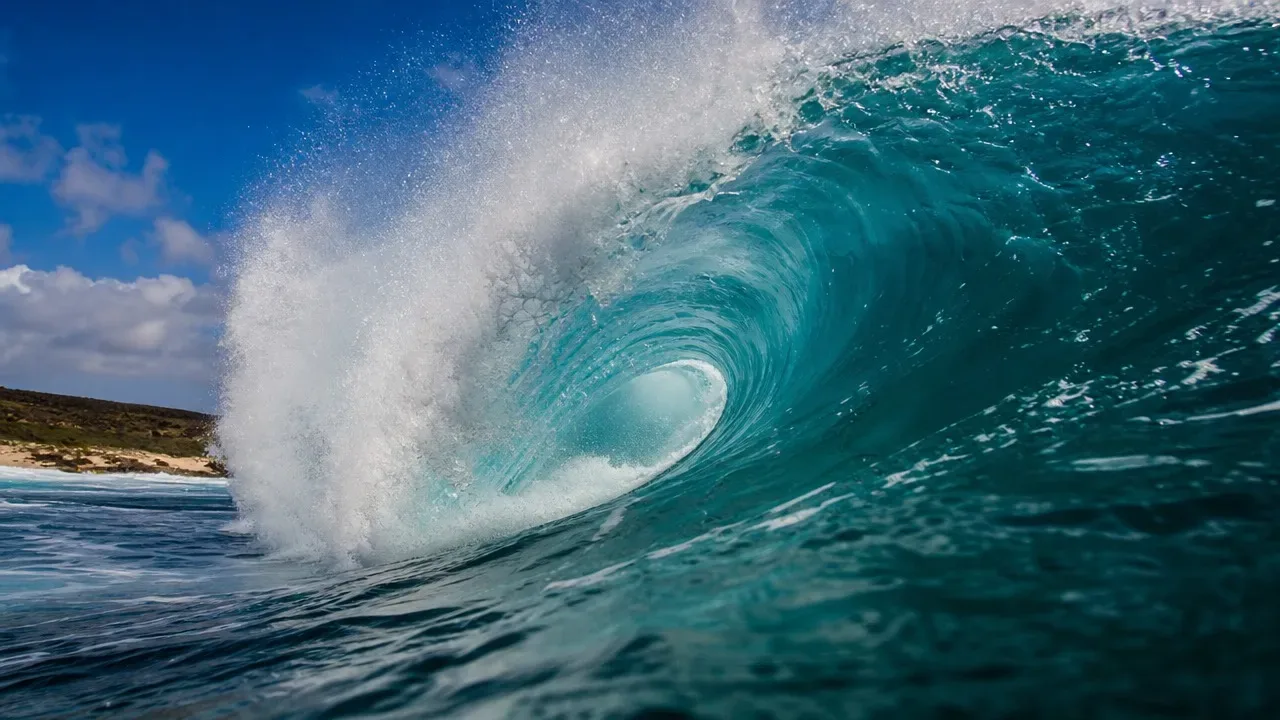
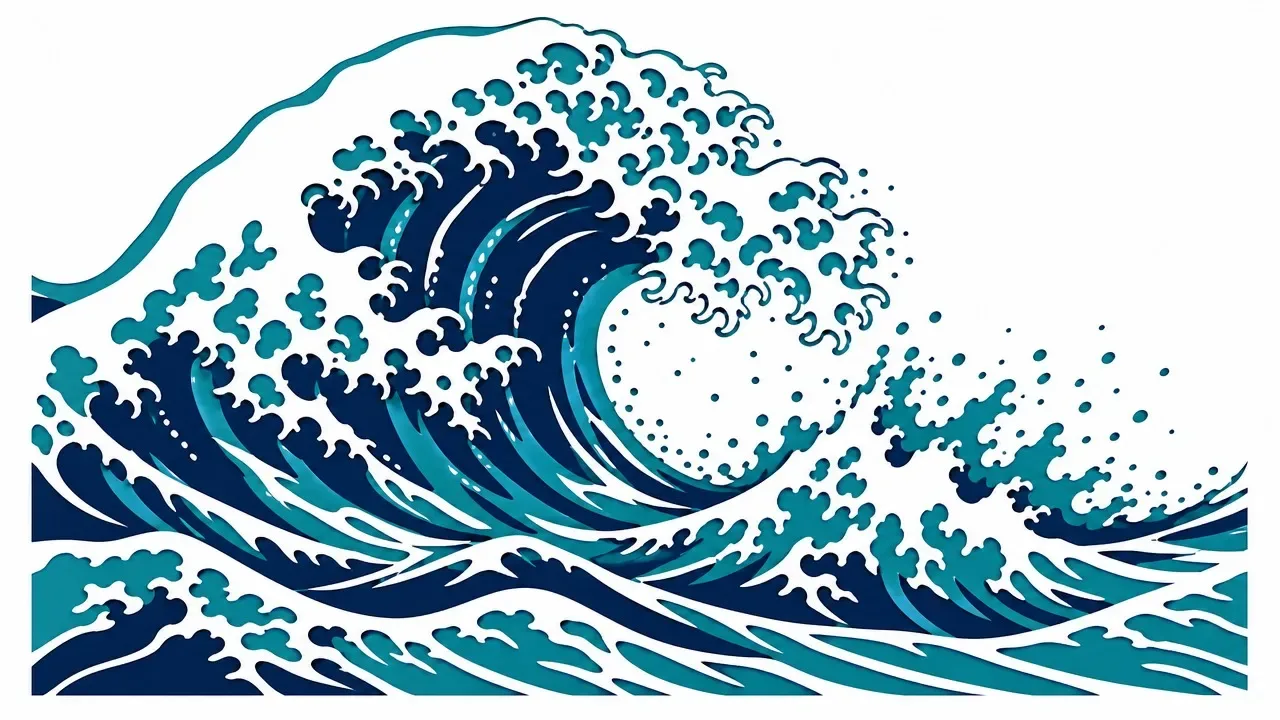
Street Artists and Graffiti Creators Design Custom Stencils
Stencil preparation for street art normally takes hours: finding a reference photo, manually tracing the key lines and shapes, converting gradients into flat tonal areas, testing readability at the intended scale, and cutting the actual stencil from suitable material. The artistic decisions along the way, which shadows to drop and which edges to simplify, and how many layers to use, require genuine skill and experience. Toty dramatically compresses the path from reference to stencil-ready artwork. Upload a photograph, describe the piece you want, and the AI produces a clean, high-contrast stencil design with properly simplified shapes and clean cut lines. Artists use it to explore composition ideas quickly, to adapt existing artwork into stencil form, and to move from concept to a cuttable file without an extensive manual tracing session.

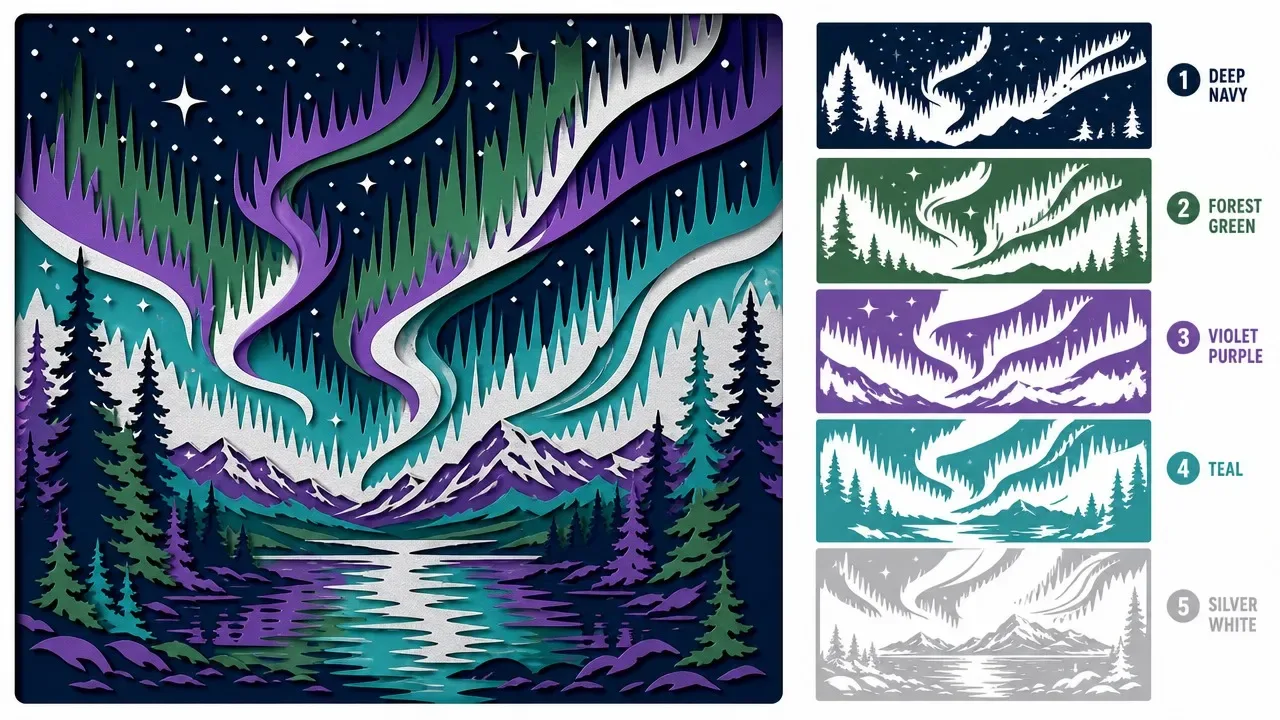
Crafters and DIY Artists Create Custom Home Decor Stencils
The DIY home decor community generates enormous demand for unique, personalized stencil designs that can't be found in commercial stencil sets. Crafters who paint furniture, create custom fabric designs, decorate walls, and produce personalized gifts use stencils constantly — and the desire for truly one-of-a-kind designs drives demand for custom stencil creation. Toty makes custom stencil creation accessible to any crafter without design software skills or traditional stencil-cutting artistry. Upload a pet photo for a custom pet portrait stencil, a family photo for a personalized home art piece, or a logo for a branded DIY project. The AI's conversion maintains the key recognizable features of the subject while simplifying gradients and textures into the flat tone relationships that physical stencils require. Crafters cut the generated design using a craft knife or cutting machine like a Cricut or Silhouette, then apply it to their chosen surface with paint, ink, or spray.

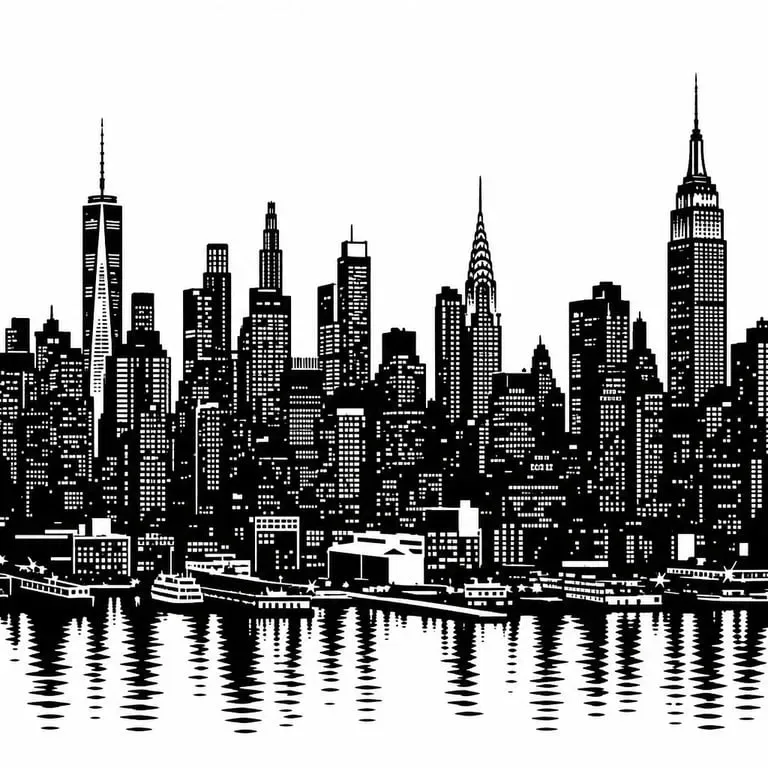
T-Shirt and Merchandise Designers Create Print-Ready Graphics
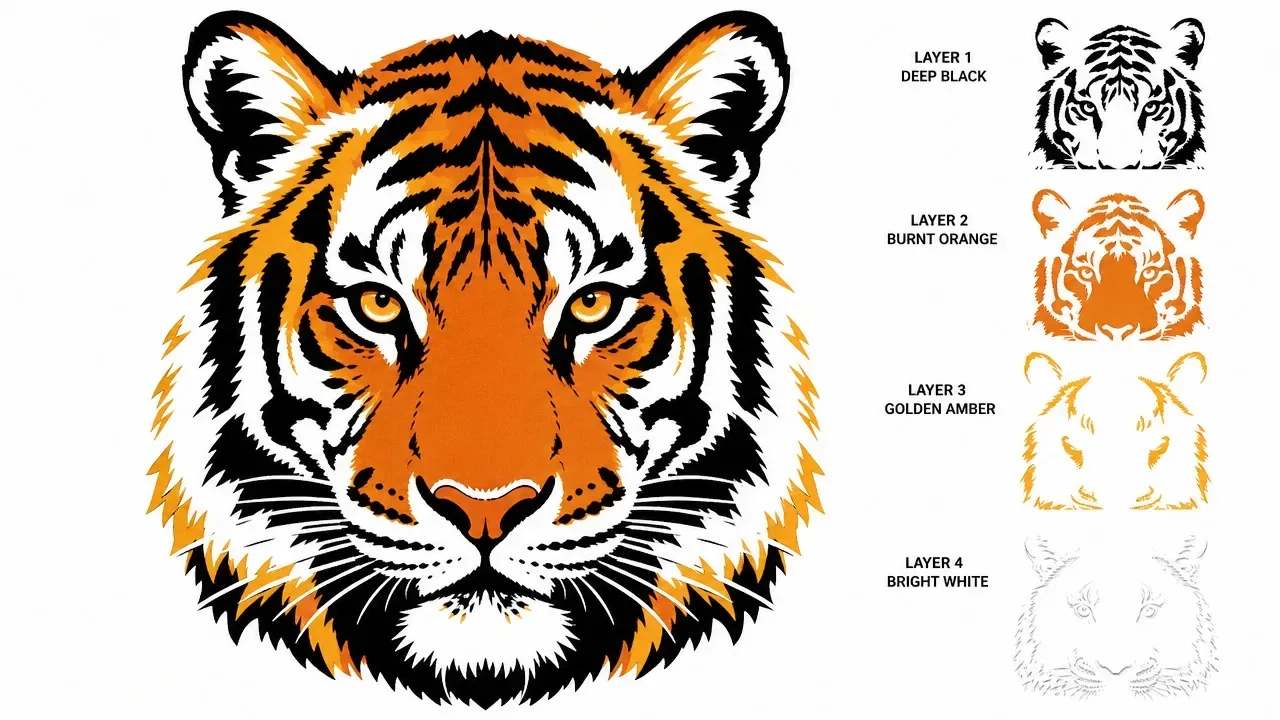
Screen printing is one of the most durable and visually striking methods of decorating apparel, and it requires artwork to be separated into flat colour layers that can each be exposed separately. Converting a photographic reference into screen-print-ready art traditionally demands graphic design expertise in Adobe Illustrator or Photoshop, involving manual threshold adjustment, layer separation, and halftone considerations. Toty's stencil conversion produces simplified, high-contrast artwork that separates cleanly into printable layers without that manual work. Designers use it to create apparel graphics, poster art, and merchandise visuals starting from a photograph rather than a drawing. The result is a design that is ready to print, consistent across runs, and achievable for small teams without dedicated prepress resources.
Why Toty
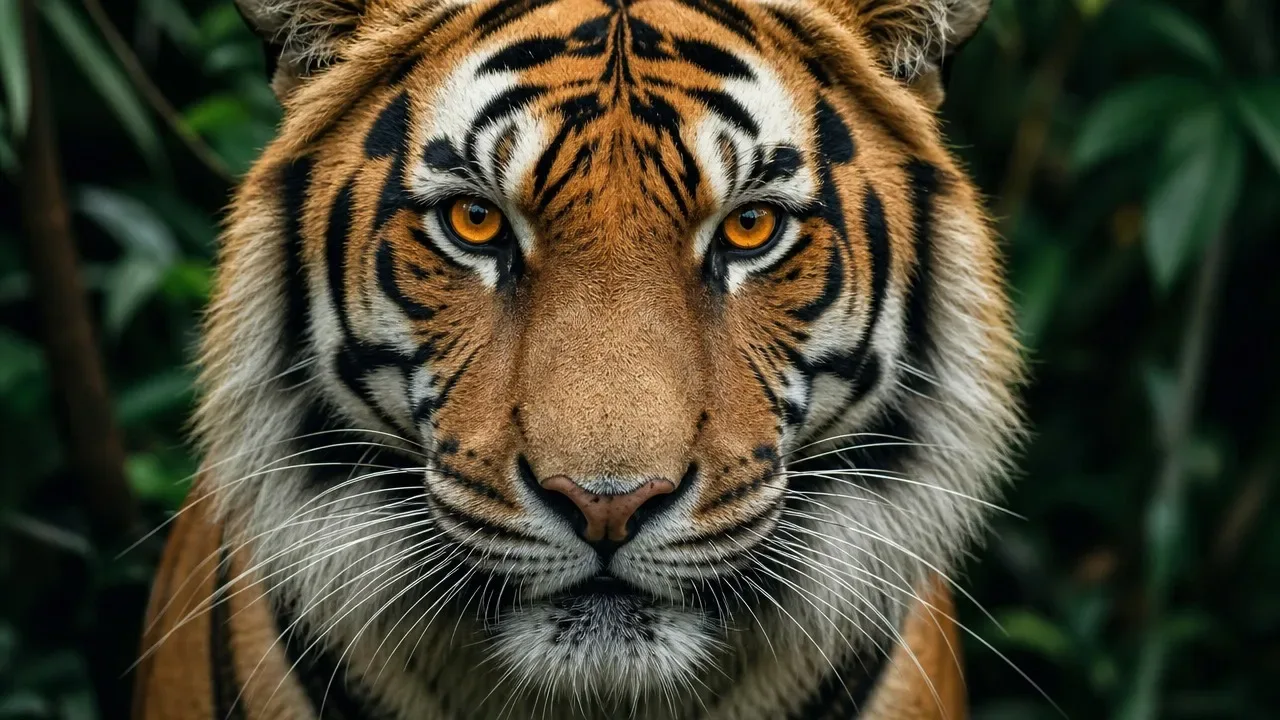
Cut-Ready Results, Every Time
Toty's stencil conversion is specifically optimized for real-world stencil cutting and application — not just a visual effect. The AI produces designs with clean, continuous edges, appropriate bridges between isolated areas, and simplified tonal relationships that translate correctly to physical cutting. What you generate is ready to print, transfer to cutting material, and cut without additional graphic preparation.
Multiple Complexity Levels for Any Project
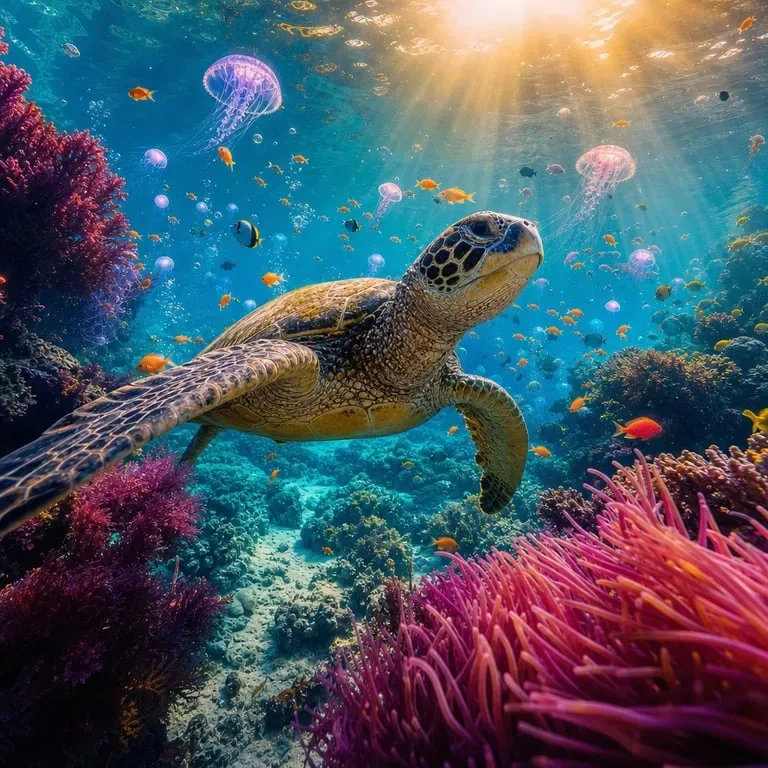
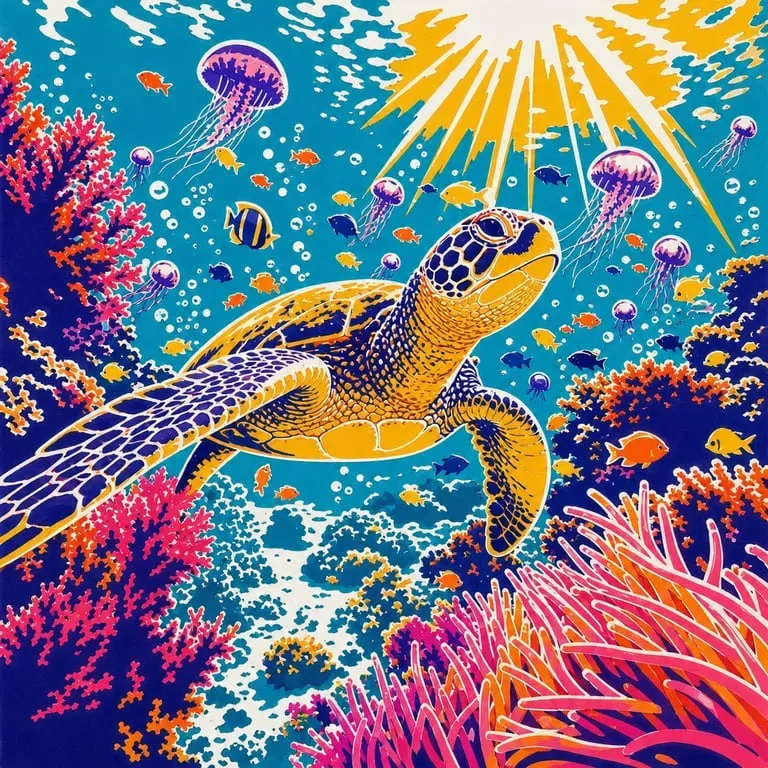
Simple one-color silhouette stencils, detailed two-layer portrait stencils, complex multi-color street art stencils — Toty handles any complexity level you specify. Describe the number of tones and the level of detail you want, and the AI calibrates its output to match your project's specific requirements and your cutting skill level.

Any Image, Instantly Stencil-Ready
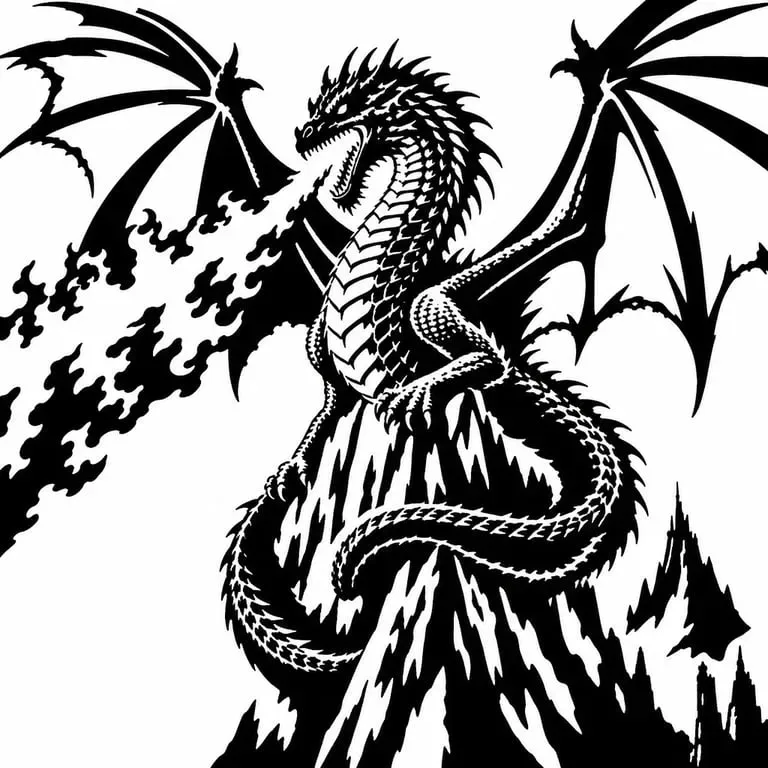
Photos, logos, illustrations, text graphics — any image can be converted to stencil format. Toty handles subjects ranging from detailed portrait photos to simple icon graphics, producing stencil-ready outputs in seconds. No graphic design skills, no special software, no manual tracing required.
How to create with Toty
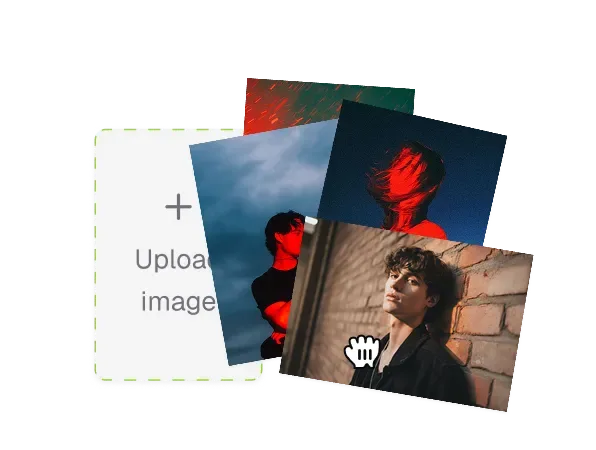
Upload Your Photo
Upload the photo or image you want to convert to a stencil. Photos with high contrast, clear subjects, and defined edges convert most cleanly. Portrait photos, bold graphics, and images with strong light and shadow relationships tend to produce the most visually striking stencil results. Avoid photos with extremely complex fine details or very low contrast.
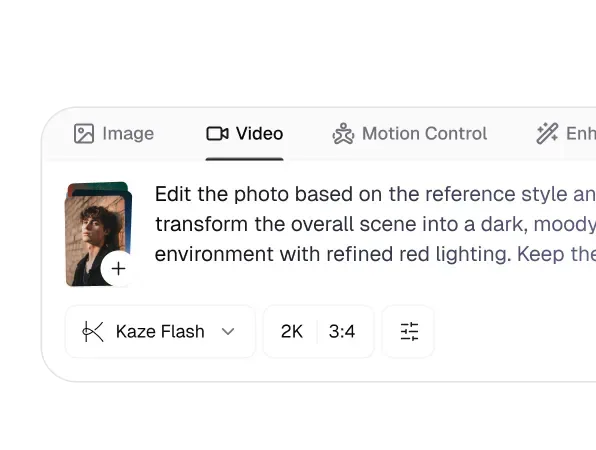
Specify Your Stencil Style
Type your stencil instruction in the chat — "convert to a 2-tone black and white stencil," "make a 3-layer stencil for spray painting," or "create a clean silhouette stencil." You can specify the number of tone layers, the level of detail (simplified versus detailed), and the intended use — the AI calibrates its conversion parameters accordingly for the best cutting result.
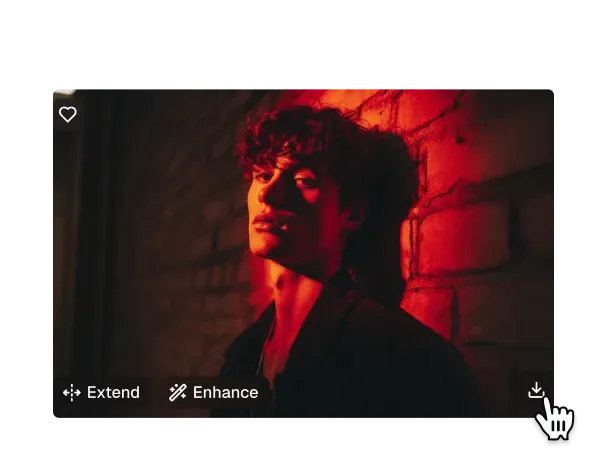
Download and Cut Your Stencil
Download your stencil design in high resolution. Print it at your desired size and transfer to cardstock, acetate, Mylar, or your preferred cutting material. Cut along the design edges, apply to your surface, and paint. Your custom stencil art is ready to create.

Trusted by over 1M creators
Community of over 1M+ users

Natalie J.
Toty's stencil tool totally changed how I make designs for my tote bags. I upload, click, and boom—perfect stencils. It's made my small business so much easier to run!

James L.
I use Toty weekly for my class. The kids love turning their own drawings into stencils, and I love how simple it is. Takes me minutes to prep instead of hours!

Ana M.
I made custom name stencils for my nieces' birthday party decorations. The detail and clarity were incredible—and it was all done in just a few clicks.

Oliver W.
I've tried a bunch of tools, but Toty creates some of the cleanest stencil linework I've seen. Saved me from redrawing by hand.

Grace Y.
I needed a fast way to create wall stencils for a nursery mural. Toty delivered—super easy and it nailed the look I wanted without me needing Photoshop.

Devon K.
I'm not a designer, but I love crafts. Toty let me turn a photo of my dog into a stencil for a shirt print. It actually worked—and looked awesome!
Frequently Asked Questions
A stencil maker is a tool that transforms a regular image into a high-contrast, cut-out style design suitable for tracing, painting, crafting, or laser cutting. Toty uses advanced algorithms to detect outlines, simplify details, and generate clean, sharp stencil-ready versions of any photo—automatically.
Photos with good lighting, clear subjects, and strong contrast work best. Portraits, logos, icons, animal silhouettes, and simple object photos are ideal. The clearer the edges and features, the cleaner your stencil result will be.
Yes. Toty allows you to adjust detail intensity, edge smoothness, and threshold levels so you can choose between fine-line stencils or bold, poster-like designs. You stay in control of the artistic output.
Absolutely. No design skills are required. Upload your image, choose your stencil settings, and download your ready-to-use file in seconds. It's fast, intuitive, and web-based—no software needed.
Yes. Toty generates clean-edged, high-contrast stencils that are ideal for printing on paper, vinyl, or fabric, and can be used with digital plotters, laser cutters, and other devices.
All photos uploaded to Toty are processed securely, and your files are automatically deleted after processing. We do not store or share your images—your privacy is fully protected.
Explore more AI features
Discover new Toty features here