Image Upscaler
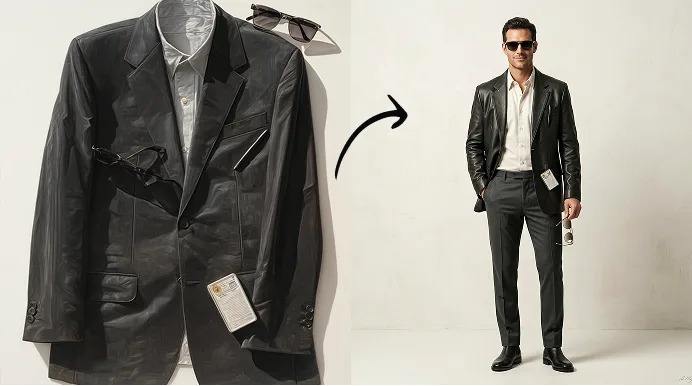
Instantly enhances low-resolution images, preserving sharp details for professional-quality results with just one click.
By uploading images, you agree to ourTerms of Serviceand review ourPrivacy Policy.
Crystal-Clear AI Upscaling
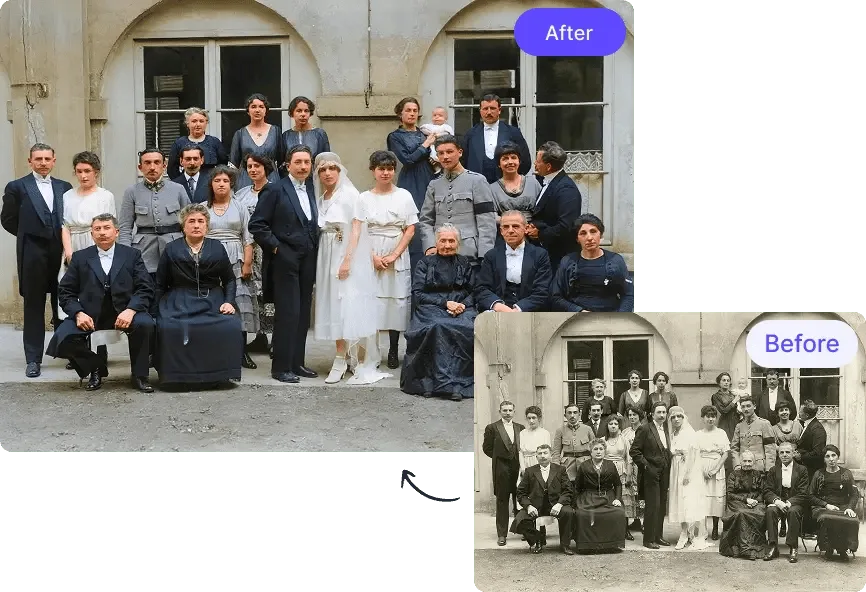
Increase resolution while preserving sharp details and textures with AI-powered precision.
Effortless Image Enhancement
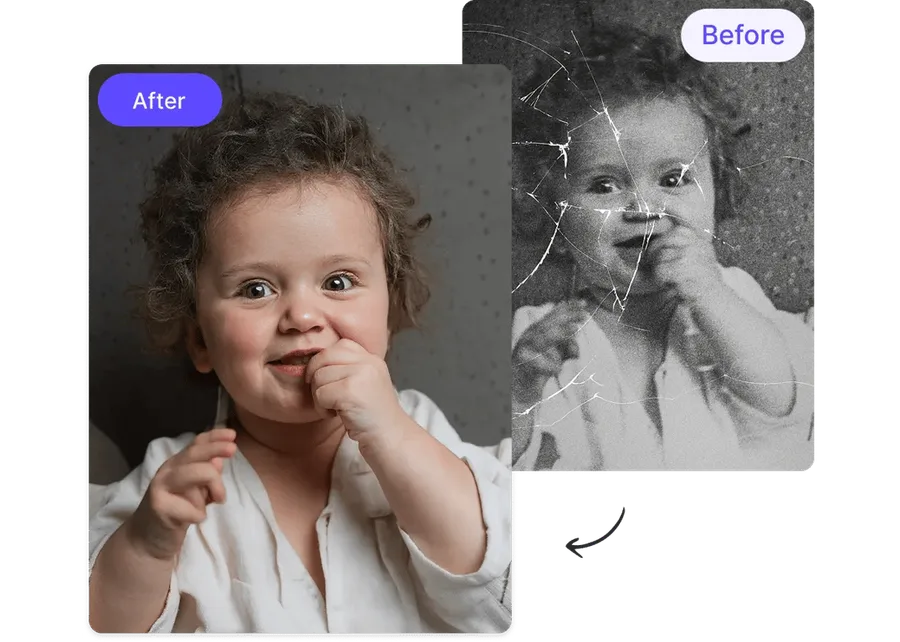
No editing skills required—just upload, select upscale level, and get high-quality results instantly.
Time-Saving Batch Processing
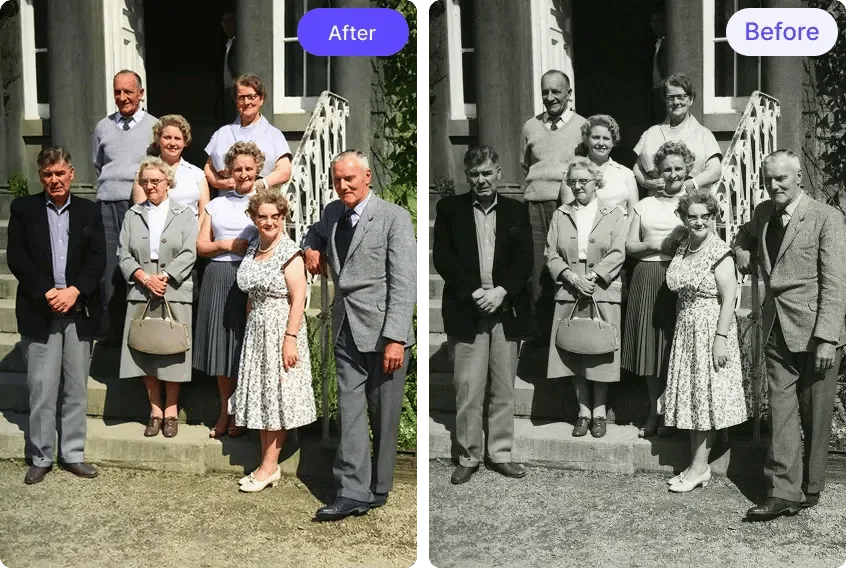
Upscale multiple images at once for efficient, high-quality results in bulk.
Proof of perfection
Sometimes clients send me low-resolution images they want printed in large formats. Toty upscales them perfectly without making them look pixelated. It's an absolute lifesaver for my business!
Rachel V.
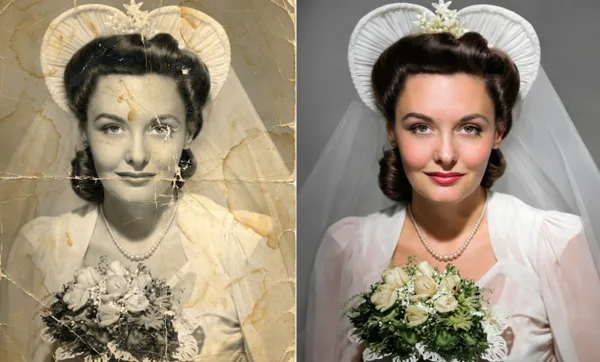
I found some old, blurry photos of my grandparents and wanted to bring them back to life. Toty upscaled them beautifully, making every detail crisp and clear. It felt like stepping back in time!
Kevin D.
Product photos need to be sharp, but sometimes I only have small, low-quality images to work with. Toty upscales them flawlessly, making my listings look professional without any extra effort.
Olivia H.
Not all images I find are high-resolution, but with Toty, I can upscale them instantly while keeping them sharp. My posts look professional, and engagement has never been better!
Jason P.
Clients often send me low-quality logos and images for design work. Toty lets me upscale them without losing sharpness, saving me hours of frustration. It's now an essential part of my workflow.
Emily T.
I work with textures and assets that sometimes aren't high resolution. Toty upscales them perfectly, keeping details sharp without adding weird artifacts. It's a must-have tool for creatives like me!
Michael R.
Sometimes clients send me low-resolution images they want printed in large formats. Toty upscales them perfectly without making them look pixelated. It's an absolute lifesaver for my business!
Rachel V.
I found some old, blurry photos of my grandparents and wanted to bring them back to life. Toty upscaled them beautifully, making every detail crisp and clear. It felt like stepping back in time!
Kevin D.
Product photos need to be sharp, but sometimes I only have small, low-quality images to work with. Toty upscales them flawlessly, making my listings look professional without any extra effort.
Olivia H.
Not all images I find are high-resolution, but with Toty, I can upscale them instantly while keeping them sharp. My posts look professional, and engagement has never been better!
Jason P.
Clients often send me low-quality logos and images for design work. Toty lets me upscale them without losing sharpness, saving me hours of frustration. It's now an essential part of my workflow.
Emily T.
I work with textures and assets that sometimes aren't high resolution. Toty upscales them perfectly, keeping details sharp without adding weird artifacts. It's a must-have tool for creatives like me!