AI Face Cut Out
Upload a photo and Toty isolates the face with pixel-perfect precision - clean edges, transparent background, and zero manual masking. Perfect for stickers, avatars, composites, and creative projects.
UploadUpload an image


Create faster with examples






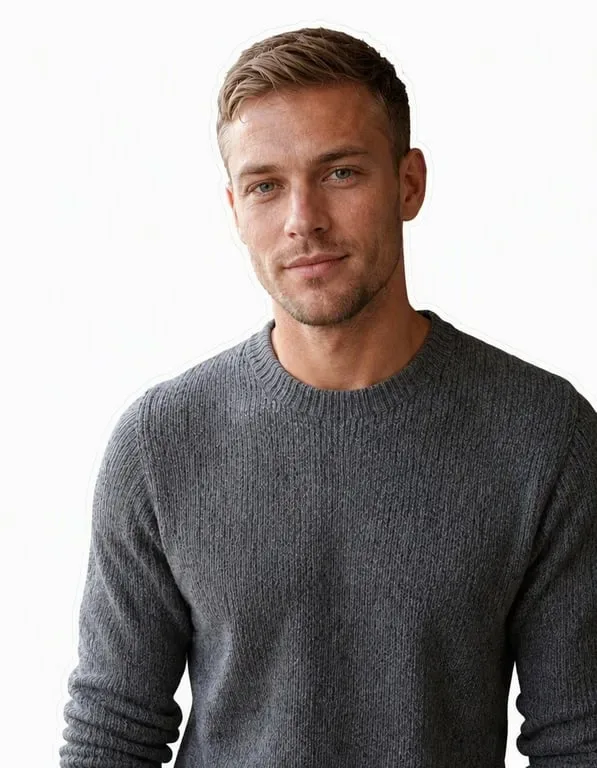

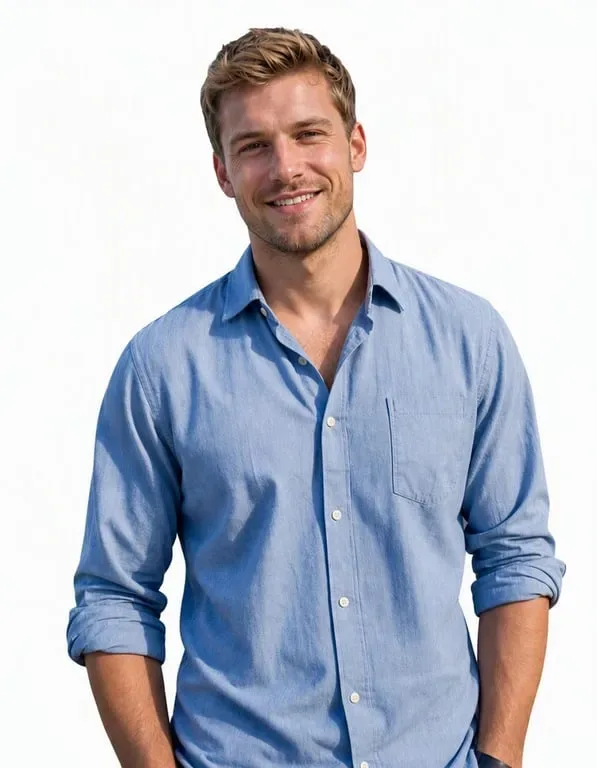

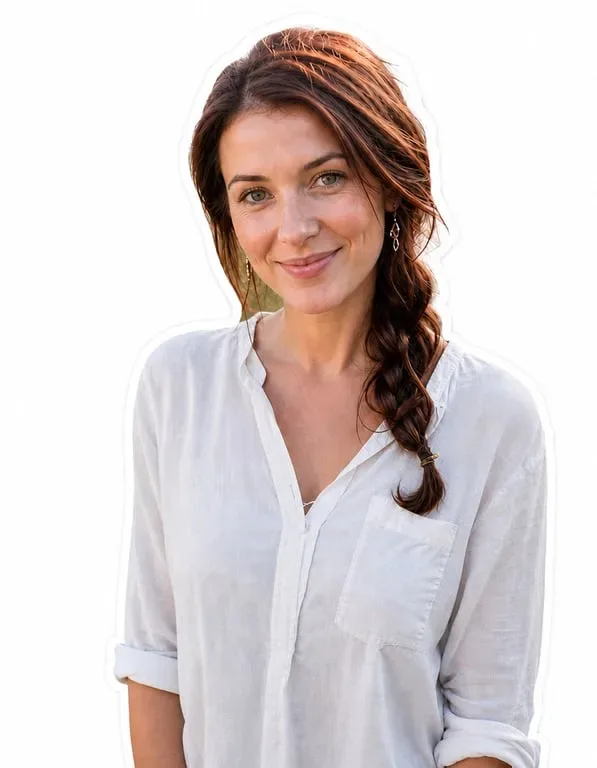




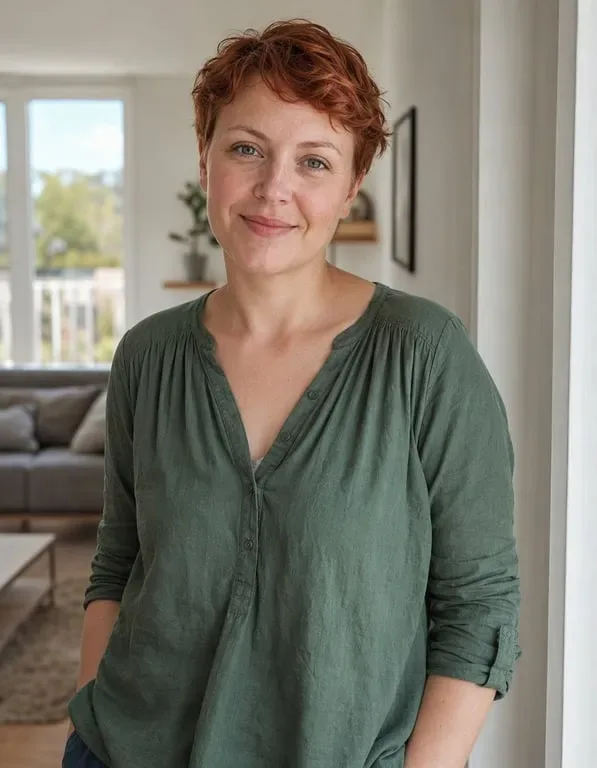
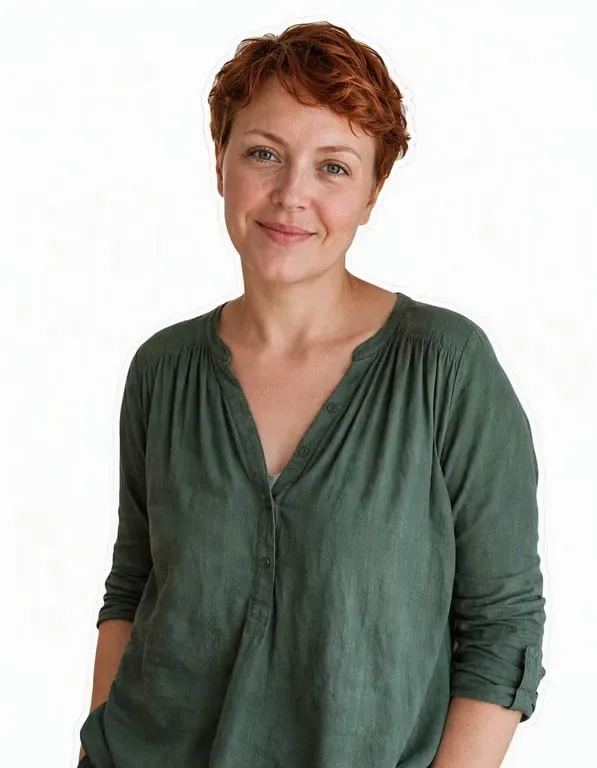
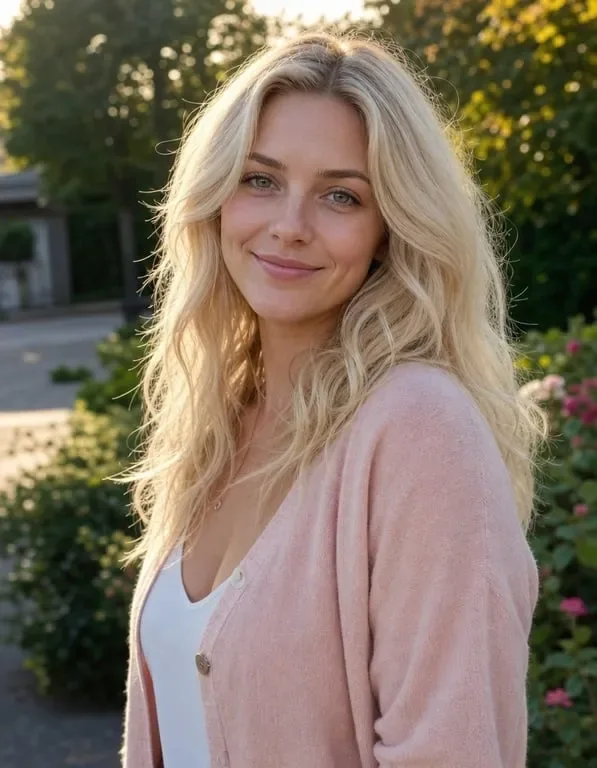

Precision Face Cutouts for Every Project

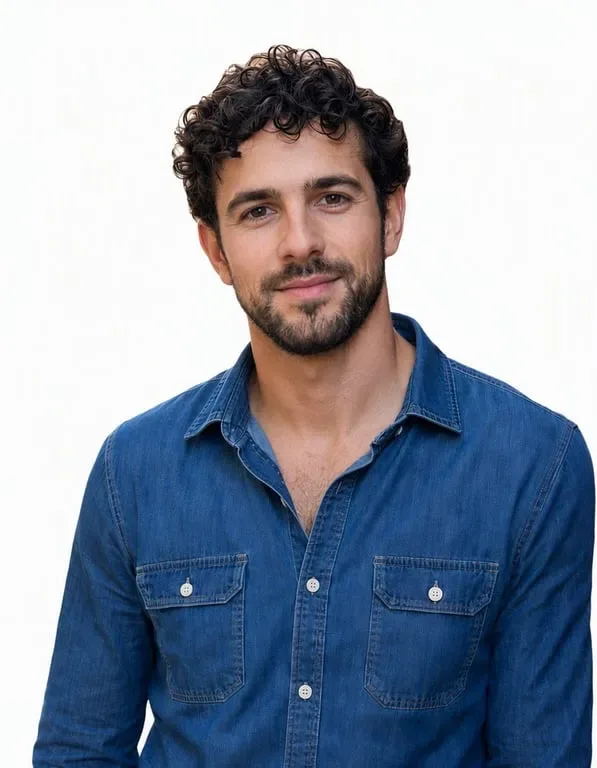
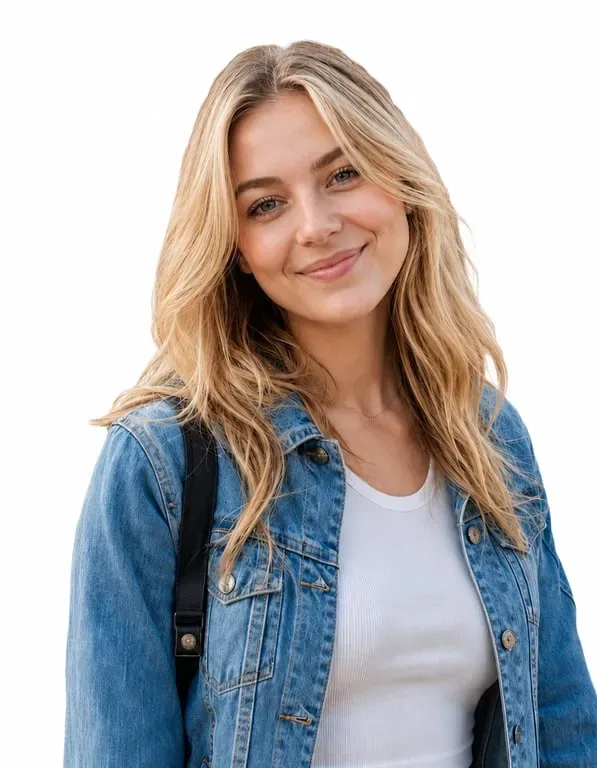
Transparent Face Cutouts
Cut the face out of any photo and get a clean, edge-perfect silhouette on a transparent background - ready for stickers, overlays, and layered designs.


Face Extraction from Group Photos
Isolate a single face from a crowded group shot with Toty, removing everyone behind it for a crisp, focused face cutout.

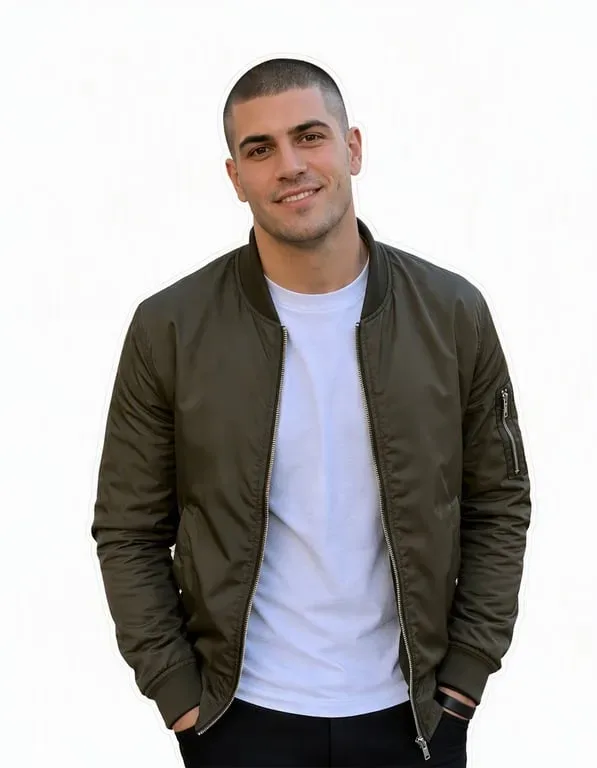
Profile & Thumbnail Cutouts
Create polished face cutouts with exact contour edges for avatars, profile pictures, thumbnails, and product mockups - without manual tracing.
Why Toty for Face Cutouts


Precision Edge Detection
Toty's AI detects face contours with hairline accuracy, producing clean cutouts without jagged edges, halos, or leftover background fragments.


Automatic Transparent Background
No manual erasing. Toty instantly removes the background around the face and outputs a ready-to-use transparent cutout you can drop onto any project.

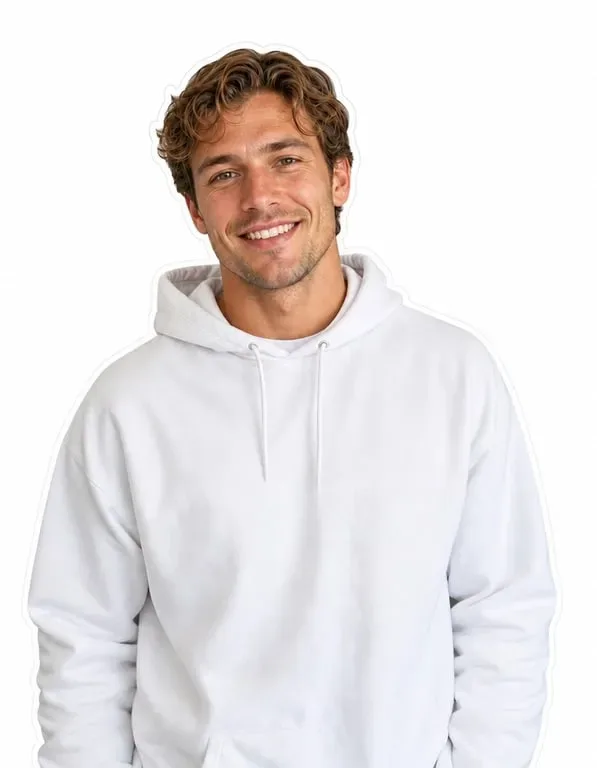
Fast & High-Resolution Output
Get sharp, high-resolution face cutouts in seconds - ideal for print, stickers, composites, web graphics, and social media without quality loss.
How to Cut a Face Out with Toty
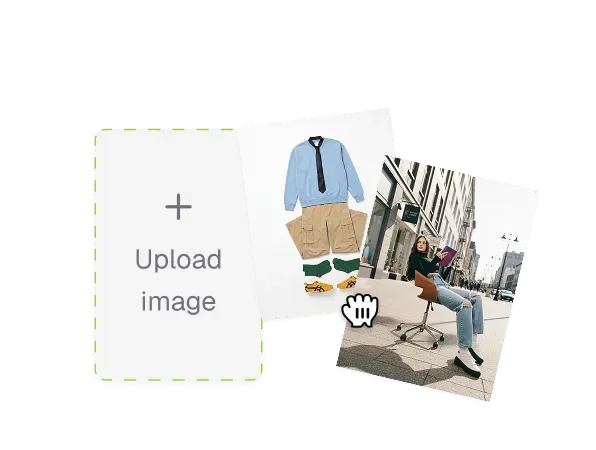
Upload Your Photo
Choose any image containing the face you want to cut out - a portrait, group shot, or candid photo.
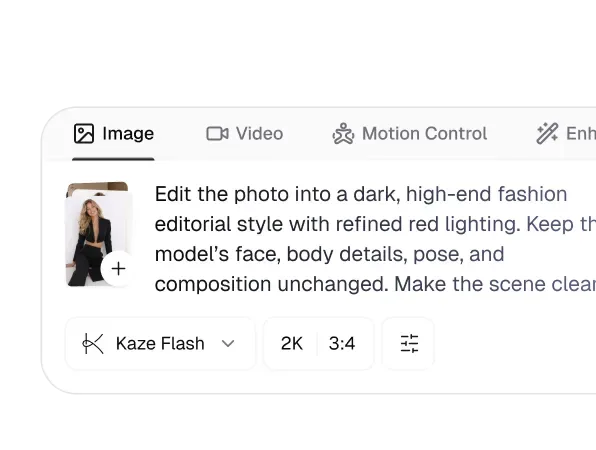
Select the Face
Tap the face you want to isolate (or let Toty auto-detect it) and set your preferred output background.
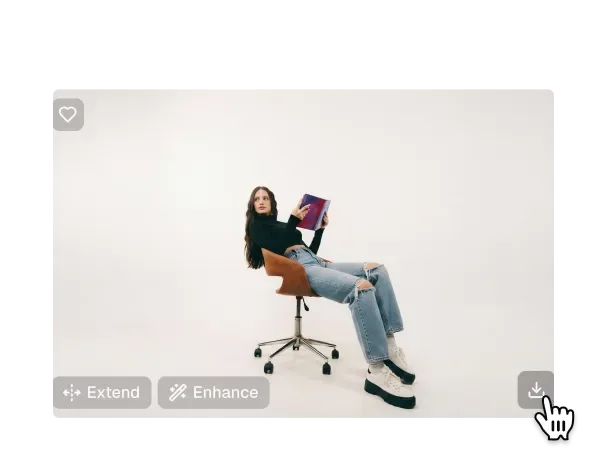
Generate & Download
Click generate and Toty delivers a clean, precise face cutout you can download and use anywhere instantly.

Trusted by over 1M creators
Community of over 1M+ users

Maya R.
Toty's face cutout is shockingly clean. I used to spend ages on the pen tool - now I get a perfect transparent cutout in seconds with zero jagged edges.

Leo T.
I cut faces out of group selfies for my thumbnails and stickers. Toty nails the contour every time, even around messy hair.

Sofia K.
Making face-cutout stickers and profile overlays for our brand has never been easier. Toty handles transparency perfectly with no manual masking.

Daniel W.
The edge detection is genuinely impressive. Toty cuts out faces faithfully and keeps full detail - way better than manual selection tools.
Priya N.
I use Toty face cutouts to build product mockups and customer avatars. Clean transparent backgrounds and sharp output every single time.

Omar H.
Toty cut out faces from dozens of clips and photos for my composites. Fast, precise, and the results are professional-grade.
FAQ
AI face cut out automatically extracts a face from a photo and removes the background, giving you a clean, editable face silhouette. Toty goes beyond simple tools with hair-level edge precision, automatic transparent backgrounds, and high-resolution output - all in one click, with no manual masking required.
Yes. Toty identifies each face in a group shot and lets you isolate the exact person you want, removing everyone and everything behind them for a clean, focused cutout.
Absolutely. Toty automatically removes the background around the face and delivers a transparent-backed cutout (PNG) you can drop onto any design, sticker, thumbnail, or composite without extra editing.
Toty uses precision contour detection that preserves fine details like hair, ears, and jawlines with clean, smooth edges - no jagged borders, halos, or leftover background fragments.
Toty offers a free tier so you can cut faces out of your first few photos at no cost. Flexible plans give you unlimited high-resolution cutouts for professional and creative work.
Explore more AI features
Discover new Toty features here